FitSynca — Quick Usage Guide
A visual, step-by-step overview of the current app screens and core actions.
This guide covers the basics of using FitSynca to manage plans, log workouts, review stats, and back up your data.
Home & Navigation
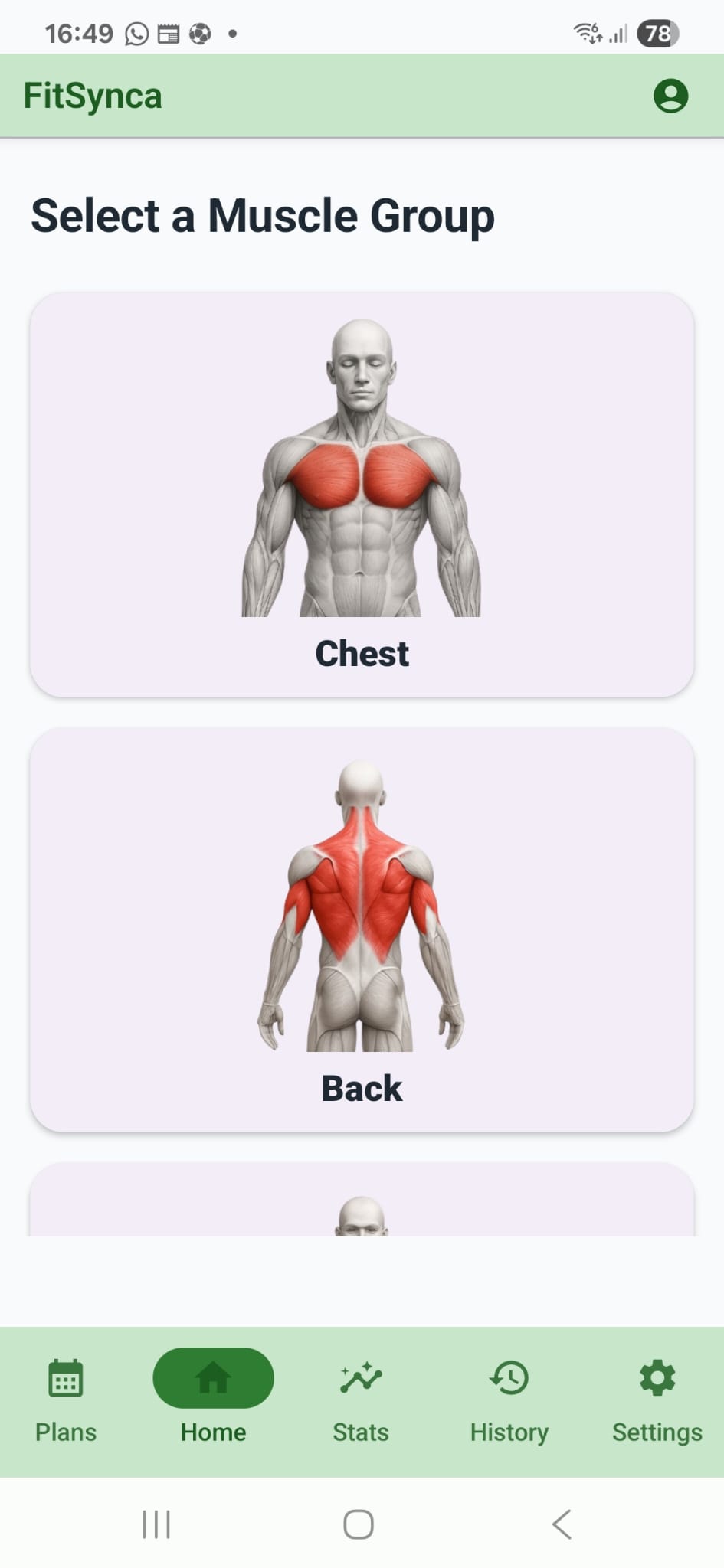
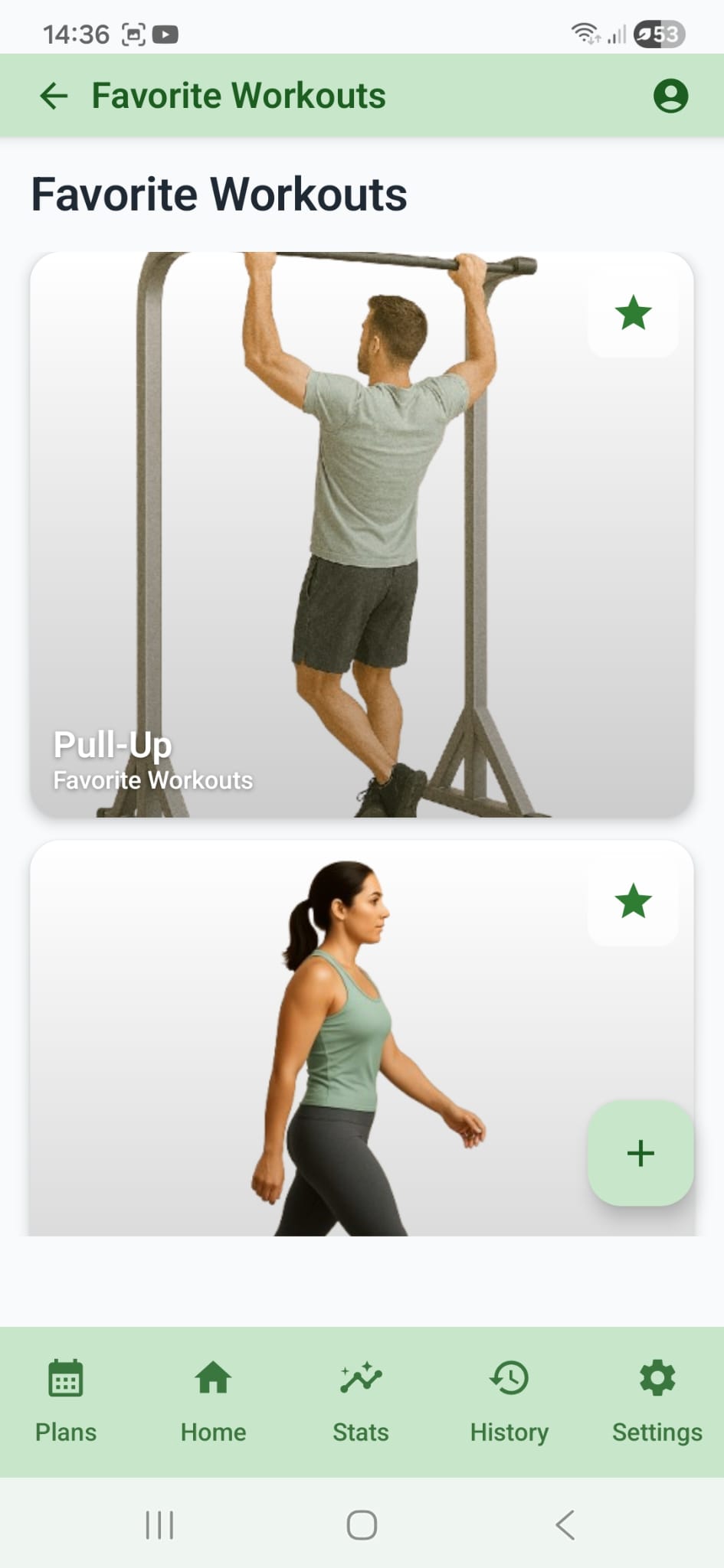
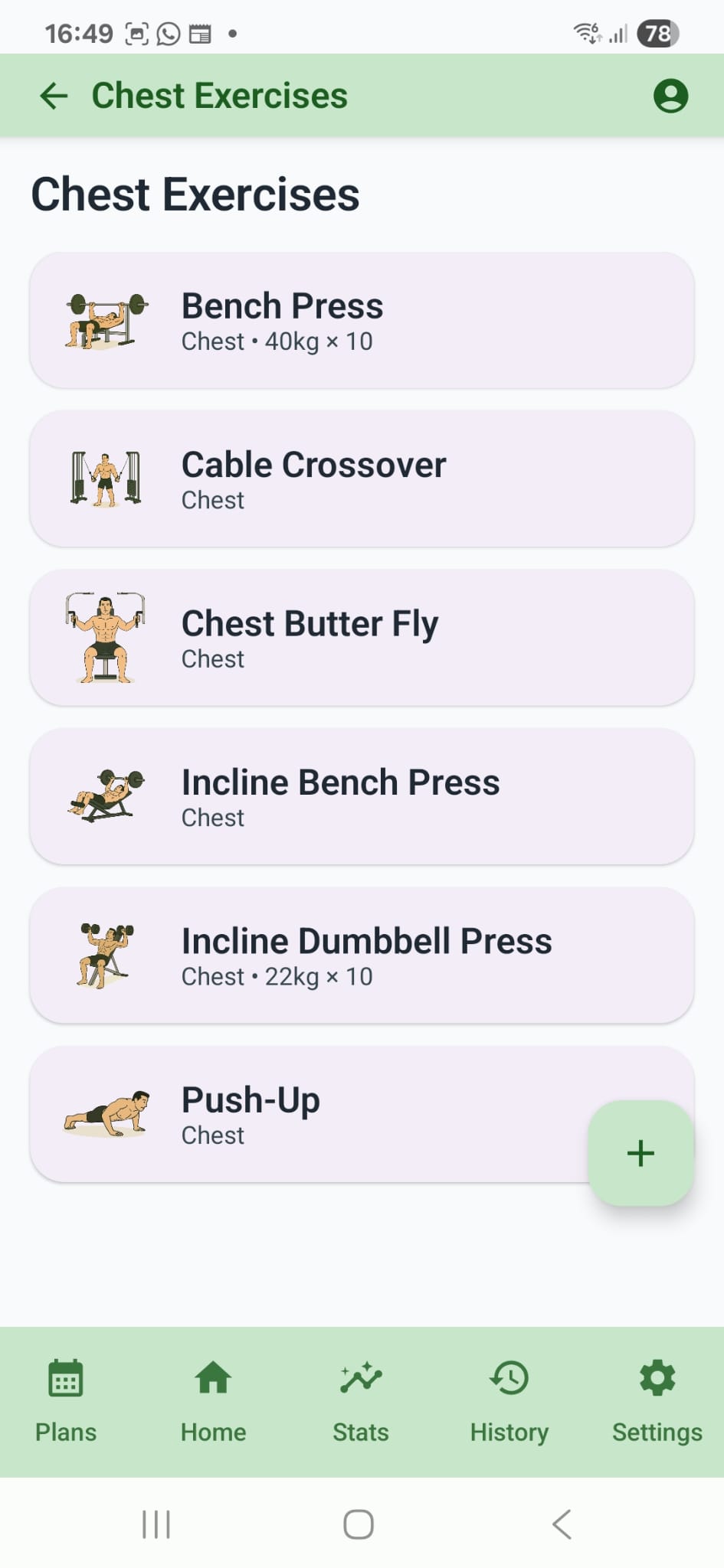
- Home: browse muscle groups and jump into your saved Favorite Workouts for faster access.
- The bottom navigation gives direct access to Plans, Home, Stats, History, and Settings.
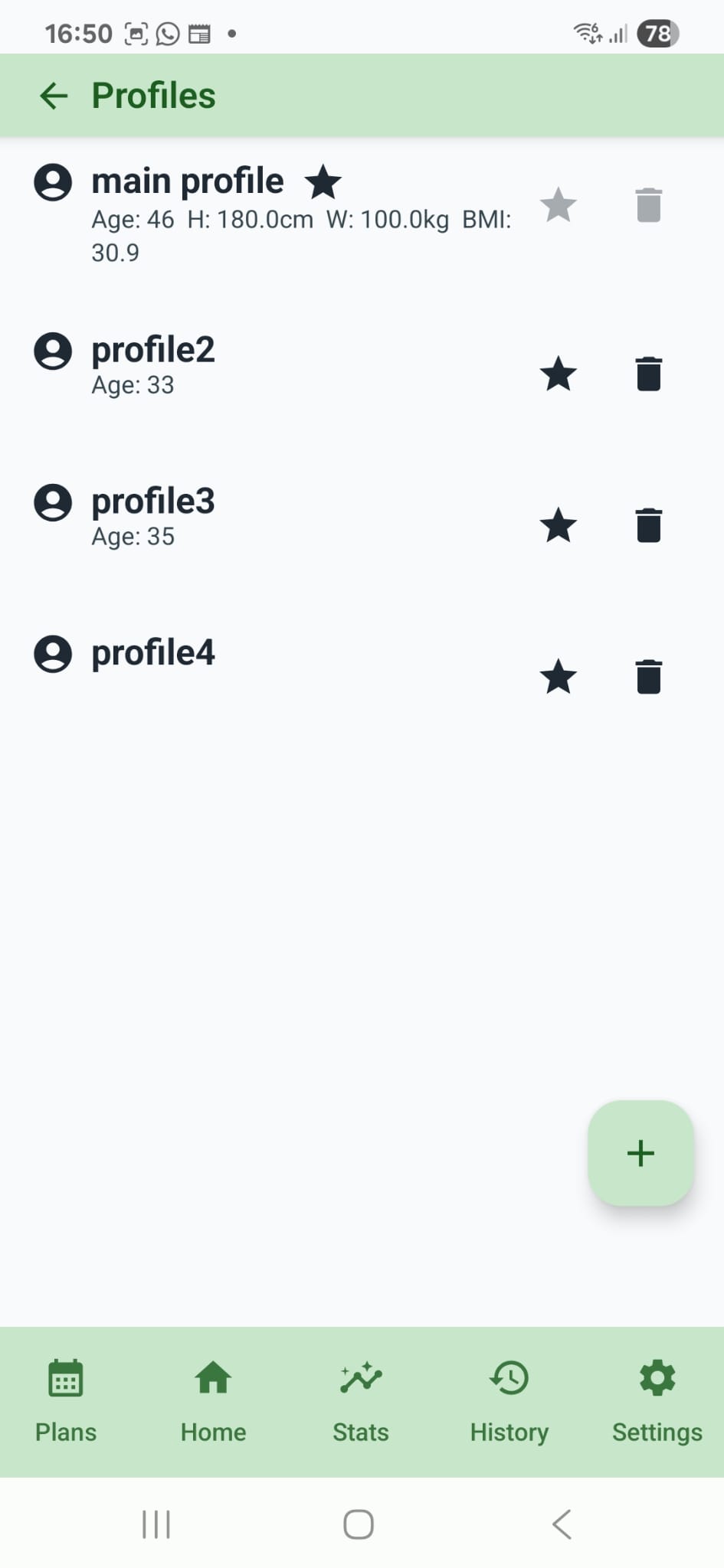
- Use the profile icon in the top-right corner to switch or manage profiles.
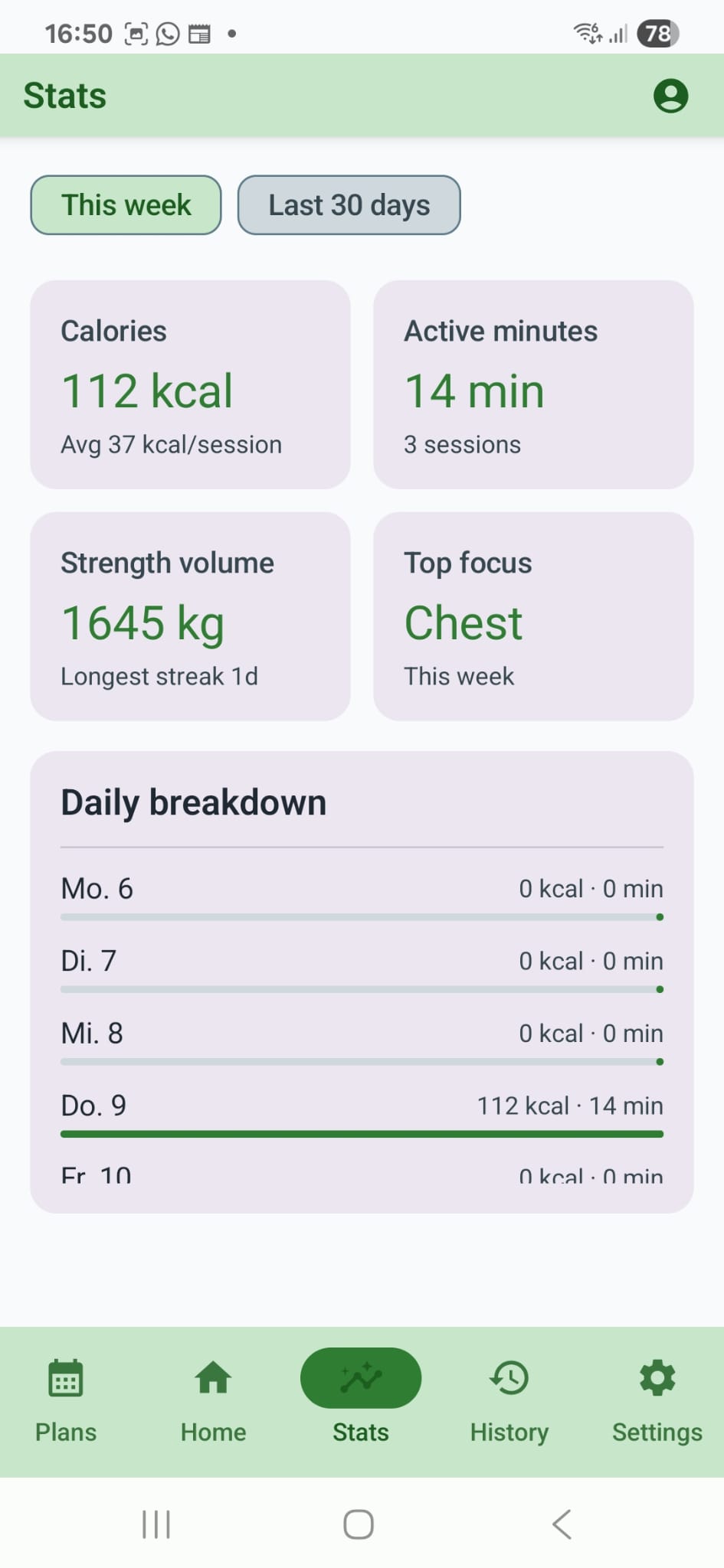
- Stats helps you review weekly activity and body progress at a glance.
Logging a Workout
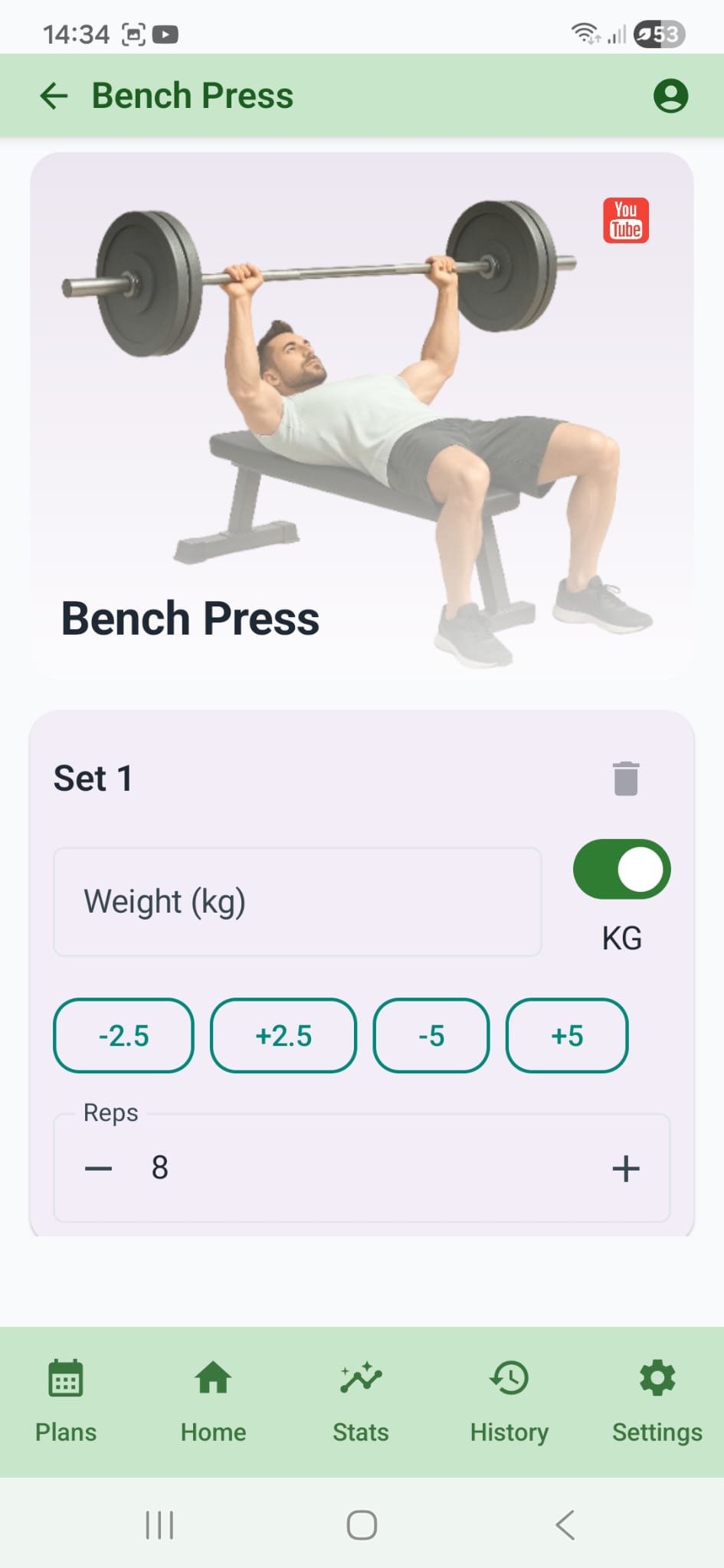
- Open an exercise from Home, Favorites, or a Plan session to start logging.
- Strength entries support quick weight adjustments and rep tracking directly on the exercise screen.
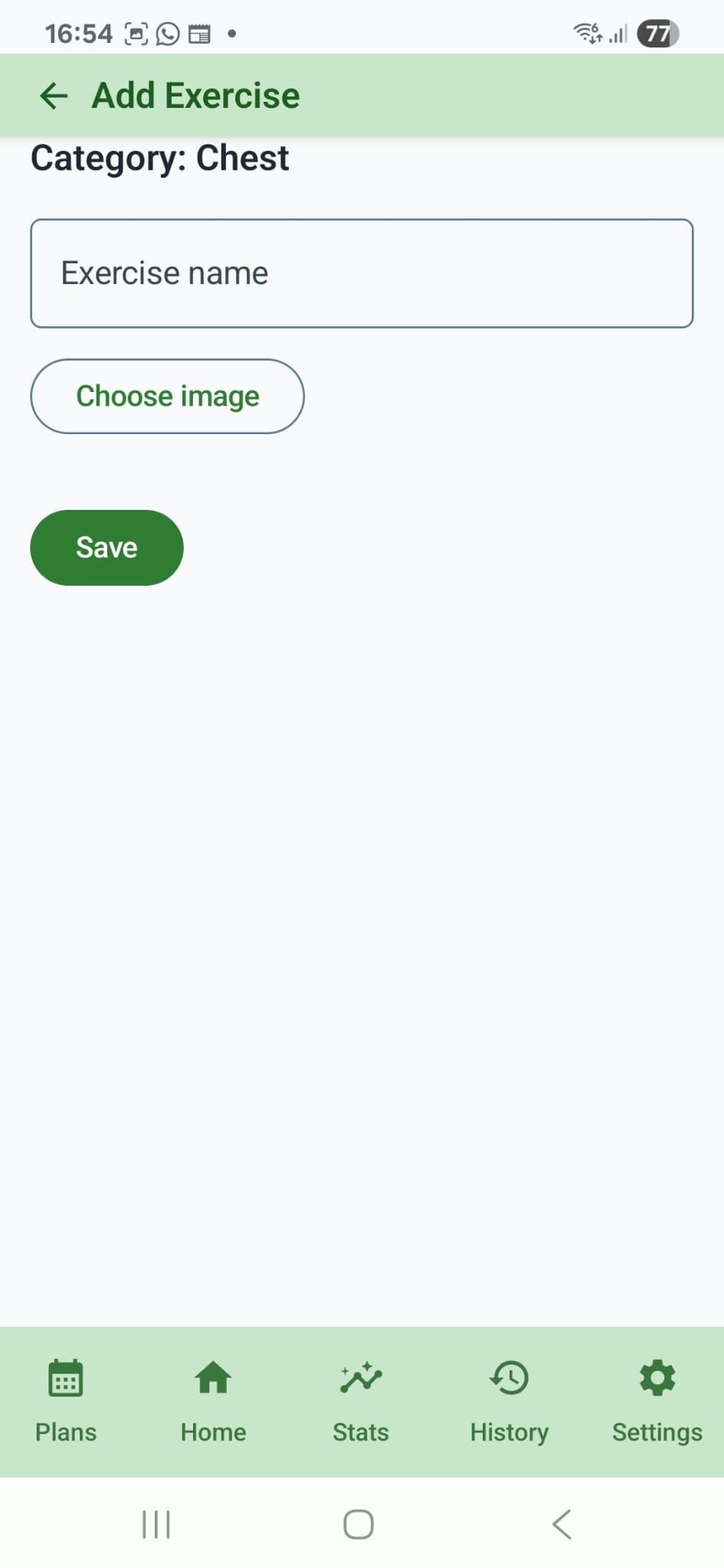
- Use Add Set to add more entries, then tap Save Workout to persist the session.
- You can keep common exercises pinned in favorites for quicker repeat logging.
Training Plans
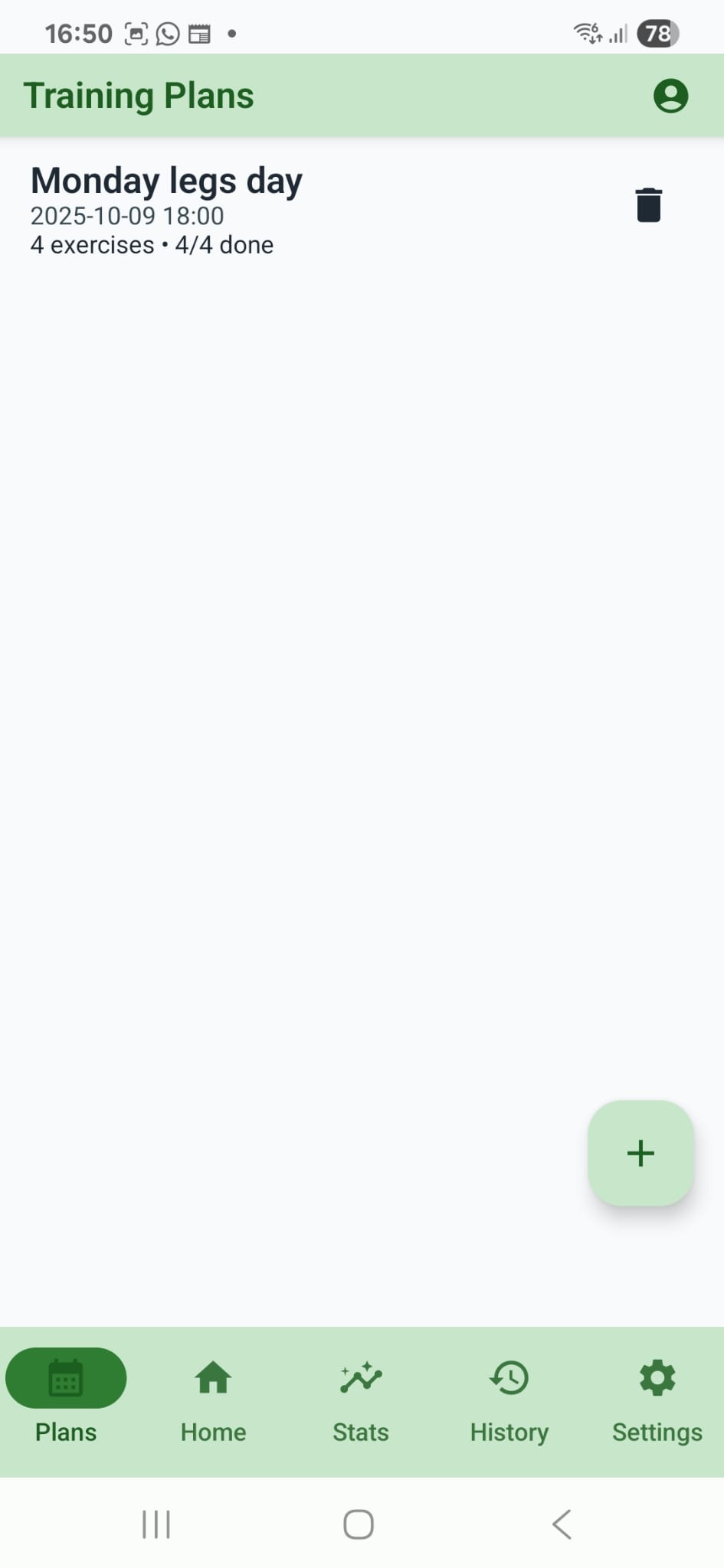
- Create structured plans with multiple sessions and track progress as you complete exercises.
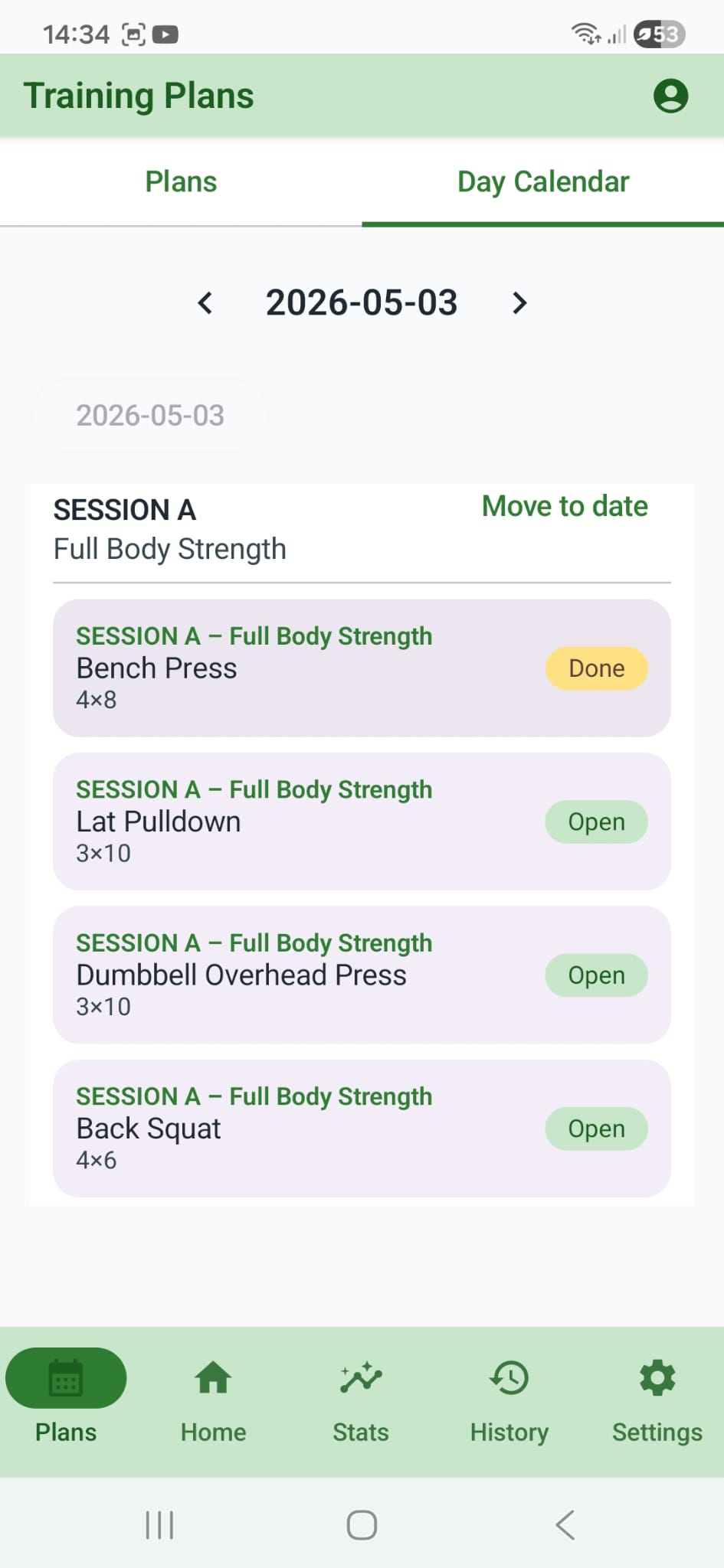
- The Day Calendar view lets you move sessions to specific dates and work through them from the schedule.
- Plan progress, history, and stats stay scoped to the active profile.
Profiles
- Use multiple profiles to separate athlete data, weight units, and progress tracking.
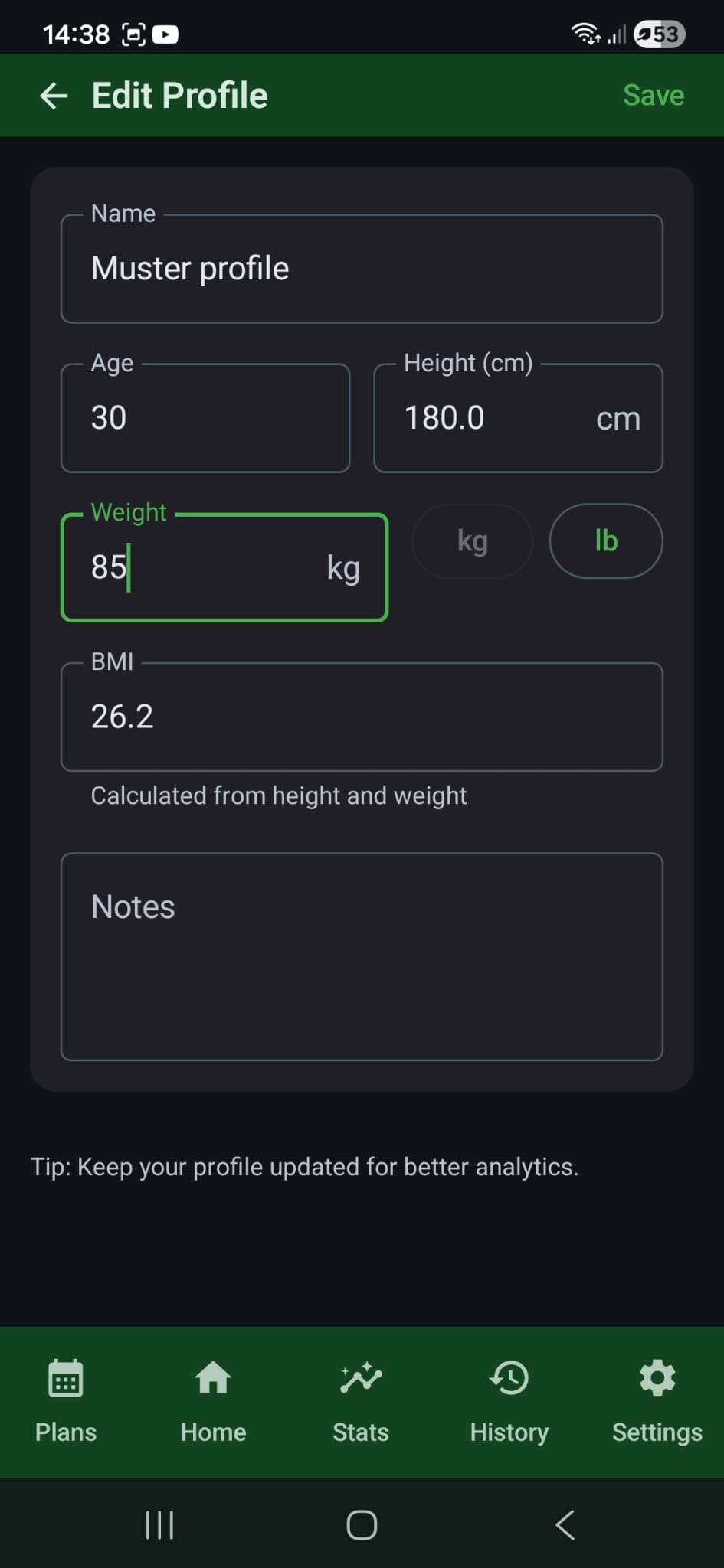
- Edit profile details like age, height, weight, BMI, and notes to keep body analytics current.
History
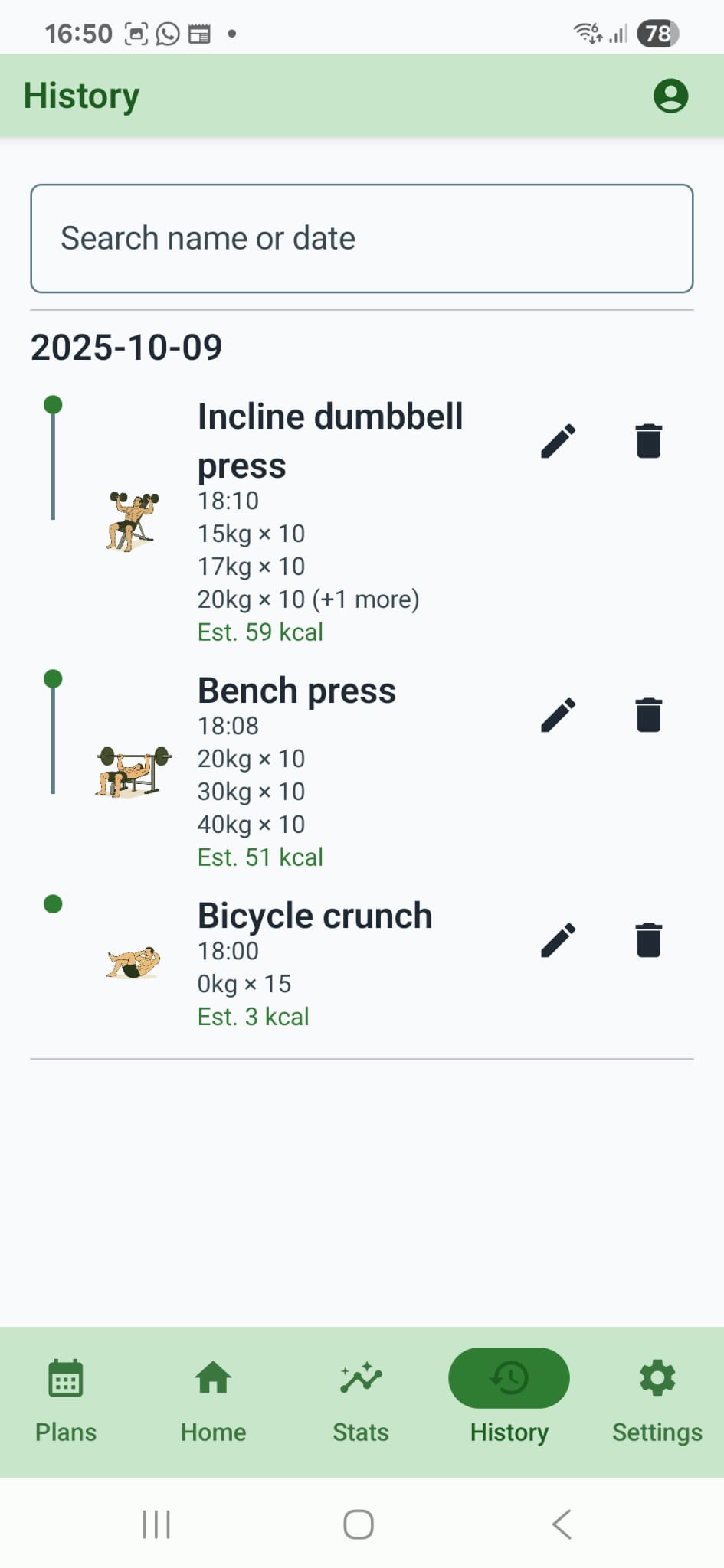
- Open History to review past sessions; tap an item to view or edit.
Export & Import
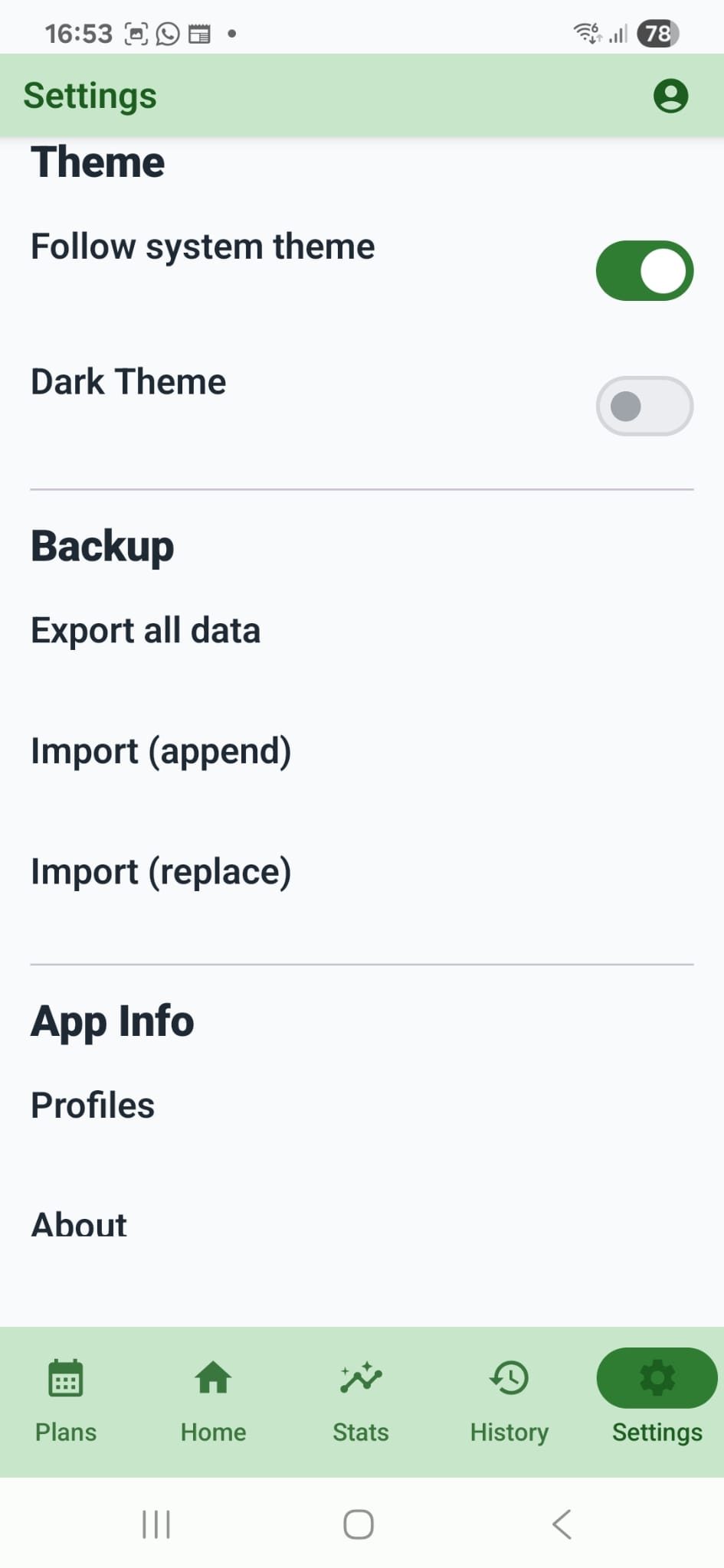
- Export: creates a JSON file via the system file picker — you choose where to store it.
- Import (append): adds backup content to your existing data.
- Import (replace): overwrites current app data with the selected backup.
- Tip: keep backups in your preferred cloud drive for safety.
Privacy
- Your data stays on your device. See the full Privacy Policy.
- Ads are served as non‑personalized by default in the first release.
Support
- Email: fitsynca.contact@gmail.com